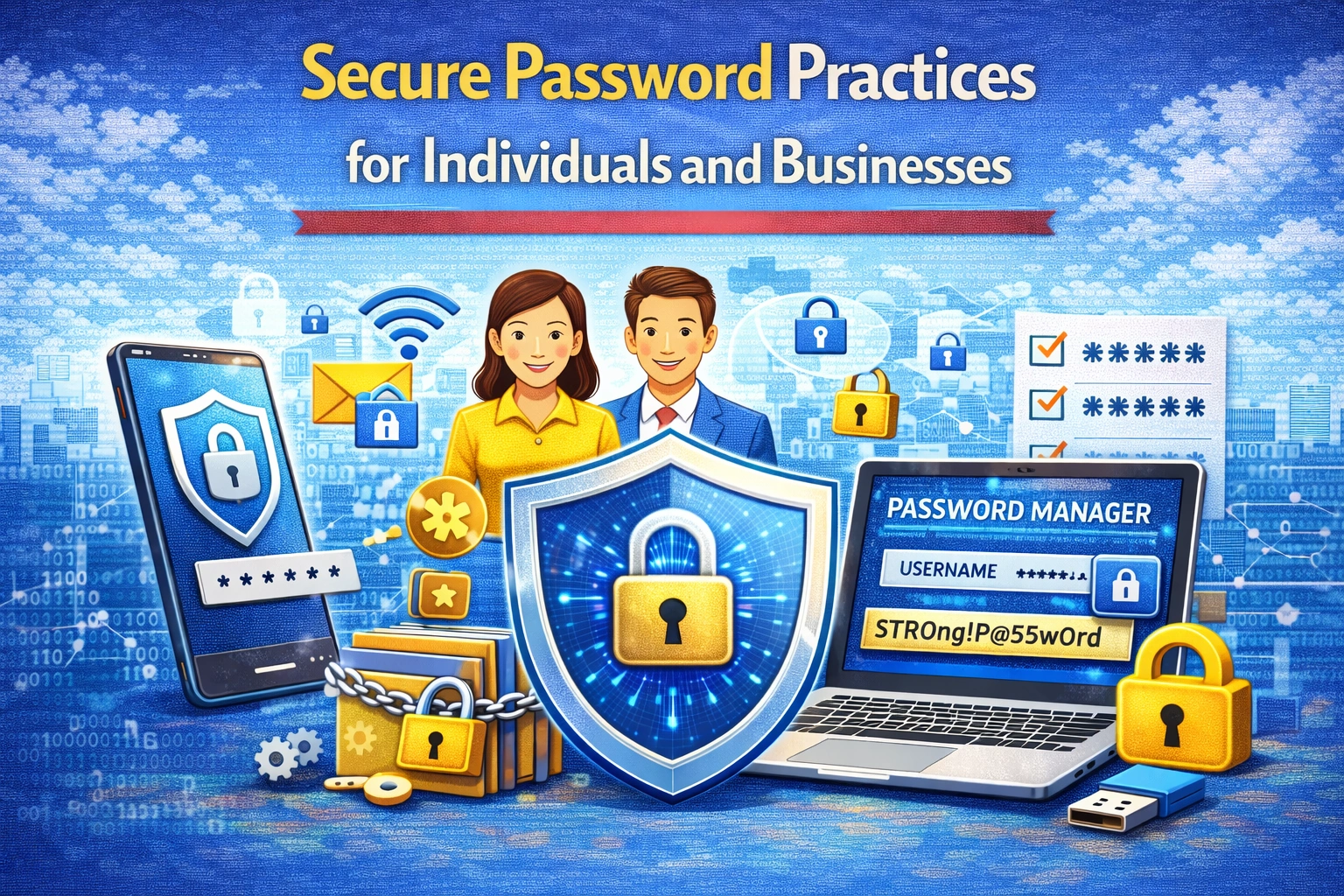

Secure Password Practices for Individuals and Businesses
Passwords remain one of the most widely used methods for securing online accounts. However, weak or poorly managed passwords are among the leading causes of cyber security incidents. Both individuals and businesses must understand the importance of implementing secure password practices to protect sensitive information and digital systems.
Cybercriminals often exploit weak passwords to gain unauthorized access to accounts, financial information, and confidential data. By following strong password security guidelines, users can significantly reduce the risk of cyber attacks.
Why Password Security Matters
Passwords act as the first line of defence against unauthorized access. When passwords are weak, predictable, or reused across multiple accounts, they become easy targets for cybercriminals.
Strong password practices help to:
Protect personal and business accounts
Prevent unauthorized system access
Reduce the risk of identity theft
Protect sensitive financial and personal information
Effective password management is essential for maintaining digital security.
Common Password Security Mistakes
Many people unknowingly create vulnerabilities through poor password habits.
Common mistakes include:
Using simple passwords such as “123456” or “password”
Reusing the same password across multiple accounts
Sharing passwords with others
Writing passwords in unsecured places
These habits make it easier for attackers to gain access to accounts.
Create Strong and Unique Passwords
A strong password should be difficult to guess or crack. Effective passwords usually include:
A mix of uppercase and lowercase letters
Numbers and special characters
A minimum length of 12 characters or more
No personal information such as names or birthdates
Each account should have its own unique password to prevent widespread compromise.
Use Password Managers
Password managers help users securely store and manage multiple passwords.
Benefits include:
Generating strong passwords automatically
Securely storing login credentials
Reducing the need to remember multiple passwords
Improving overall password security
Password managers make it easier to maintain secure password practices.
Enable Multi-Factor Authentication
Multi-factor authentication (MFA) provides an additional layer of protection.
Users must verify their identity using two or more authentication factors such as:
Passwords
Security codes sent to mobile devices
Authentication apps
Biometric verification
Even if passwords are compromised, MFA helps prevent unauthorized access.
Avoid Using Public Computers for Sensitive Accounts
Public computers may contain malware or keyloggers that capture login credentials.
To reduce risks:
Avoid accessing sensitive accounts on public devices
Log out completely after using shared computers
Use private browsing modes when necessary
Secure access helps protect personal information.
Update Passwords Regularly
Regular password updates help reduce long-term exposure to security risks.
Businesses often require employees to:
Change passwords periodically
Avoid reusing old passwords
Follow password complexity guidelines
Regular updates help maintain account security.
Educating Employees About Password Security
In organisations, employees must understand how poor password practices can expose systems to cyber threats.
Companies should provide training on:
Creating strong passwords
Recognising phishing attempts
Protecting login credentials
Employee awareness strengthens overall cybersecurity.
Building Strong Password Habits
Developing secure password habits is an important step toward improving digital safety.
Individuals and businesses should:
Use password managers
Enable multi-factor authentication
Avoid password reuse
Monitor accounts for suspicious activity
These practices help maintain long-term security.
FAQ
What makes a password secure?
A secure password includes a mix of letters, numbers, and symbols and is difficult to guess.
How long should a strong password be?
Most cybersecurity experts recommend passwords with at least 12 characters.
What is a password manager?
A password manager is a tool that securely stores and manages login credentials.
Why is multi-factor authentication important?
It adds an extra layer of protection beyond passwords.
Should businesses enforce password policies?
Yes, strong password policies help protect company systems and data.