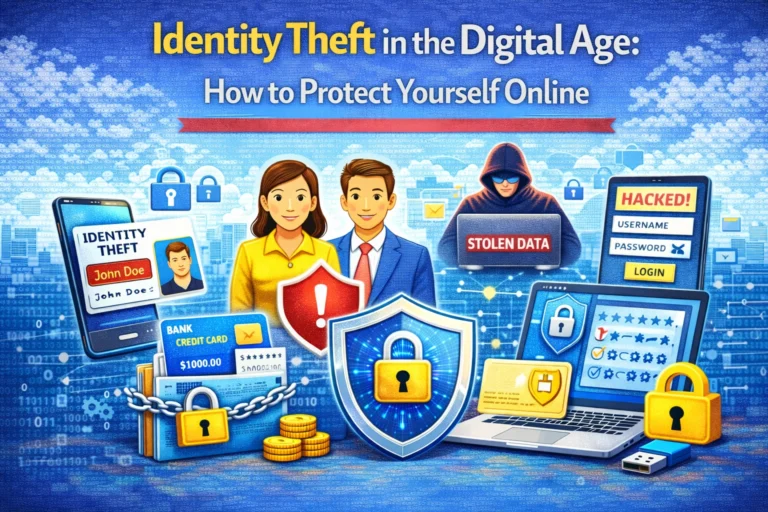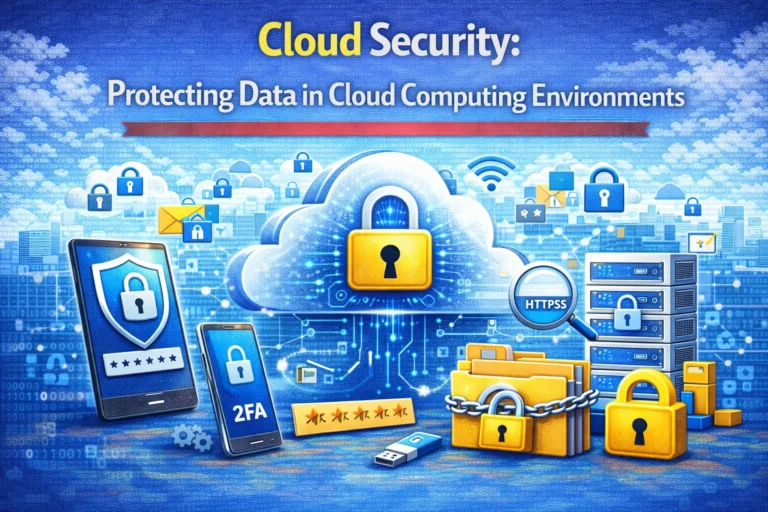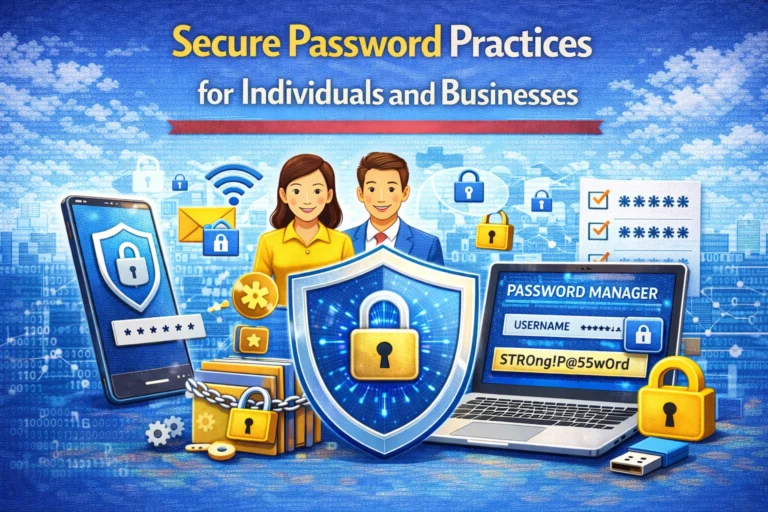
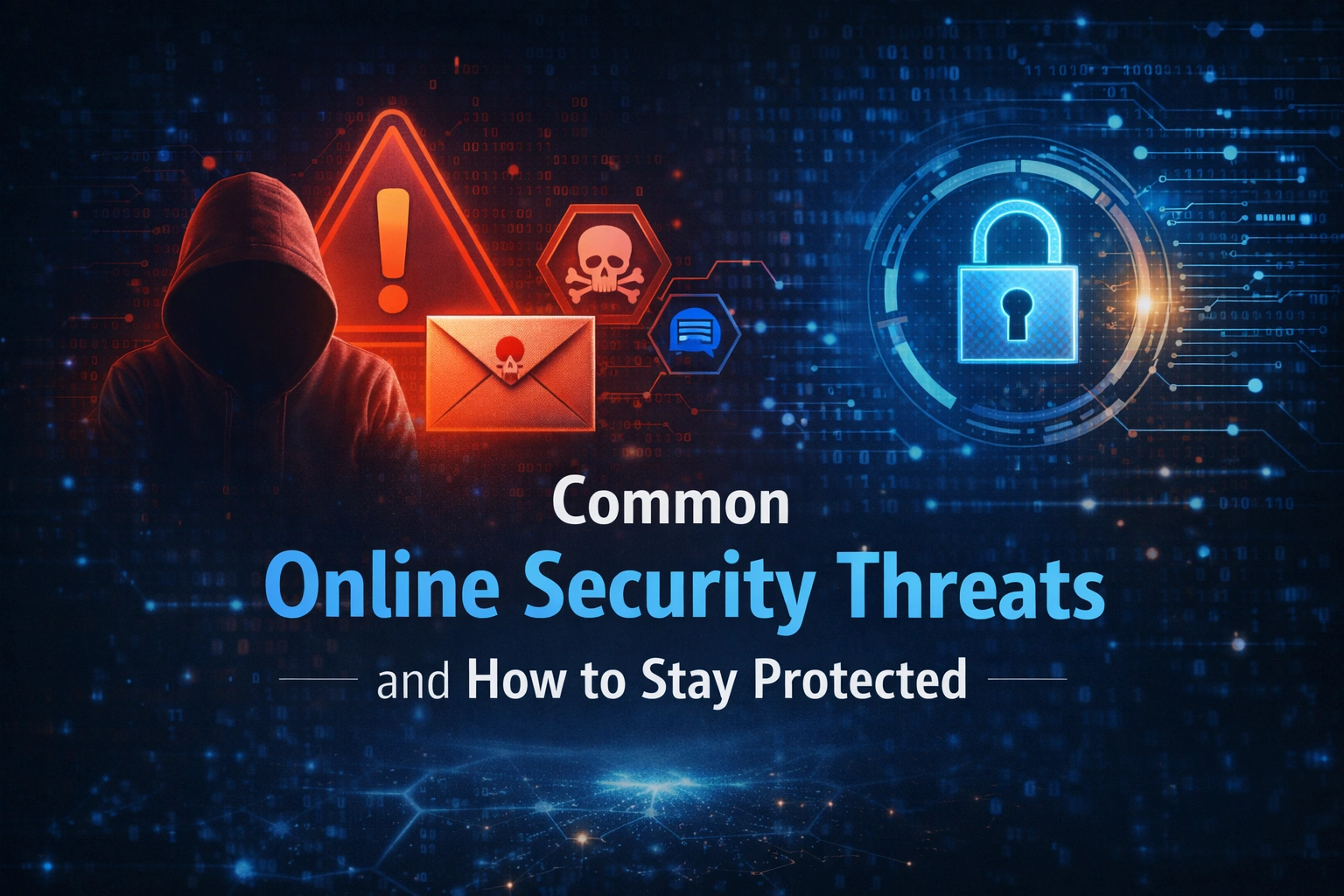

As internet use becomes part of everyday life, the number of digital risks continues to grow. From checking emails to making online payments, users are constantly exposed to hidden dangers. Understanding online security threats is essential for anyone who wants to stay safe, protect personal data, and avoid financial or identity-related losses.
Cybercriminal no longer target only large organisations—everyday users are now their primary focus.
What Are Online Security Threats?
Online security threats are digital activities designed to steal information, damage devices, or gain unauthorised access to accounts and systems. These threats often exploit human error rather than technical weaknesses, making awareness one of the strongest forms of protection.
When users understand how these threats work, they are far less likely to fall victim to them.
Most Common Online Security Threats
Phishing Attacks
Phishing attacks are one of the most widespread online threats. They usually appear as fake emails, messages, or websites that look legitimate but are designed to steal passwords, card details, or personal information.
Common signs include:
- Urgent messages asking for immediate action
- Suspicious links or attachments
- Poor spelling or unusual sender addresses
Malware and Viruses
Malware and viruses are harmful programs that infect devices through unsafe downloads, fake apps, or compromised websites. Once installed, they can slow down systems, spy on activity, or steal sensitive data.
Some malware even operates silently in the background, making detection difficult without proper security tools.
Password Security Risks
Weak or reused passwords create serious password security risks. Cybercriminal use automated tools to guess or crack passwords, especially when the same one is used across multiple platforms.
Simple passwords make it easy for attackers to access email, banking, and social media accounts.
Public Wi-Fi Dangers
Using unsecured networks exposes users to public Wi-Fi dangers, where attackers can intercept data being sent over the connection. This is especially risky when logging into accounts or making online payments.
Public networks are convenient but should never be trusted for sensitive activity.
Data Privacy Threats
Data privacy threats occur when personal information is collected, shared, or exposed without consent. This can happen through insecure apps, weak privacy settings, or data breaches.
Once personal data is leaked, it can be misused for identity theft or fraud.
How to Stay Protected from Online Security Threats
Staying safe online does not require advanced technical knowledge. Simple habits can dramatically reduce risk.
Use Strong Passwords
Create unique passwords for every account and avoid predictable patterns.
Enable Extra Security Layers
Use two-step verification wherever available to add an extra layer of protection.
Be Cautious with Links and Downloads
Avoid clicking unknown links or downloading files from untrusted sources.
Secure Your Internet Connection
Use secure networks and avoid sensitive activities on public Wi-Fi.
Keep Software Updated
Updates often fix security weaknesses that attackers exploit.
Following these online safety tips helps build a strong first line of defence against cyber threats.
Why Awareness Is the Best Protection
Technology alone cannot prevent all attacks. Awareness allows users to recognize warning signs early and respond quickly. The more informed users are about online security threats, the harder it becomes for cybercriminal to succeed.
Staying informed turns everyday users into active defenders of their digital lives.
FAQs: Common Online Security Threats and How to Stay Protected
1. What are the most common online security threats?
The most common online security threats include phishing emails, malware and viruses, weak passwords, unsecured public Wi-Fi, and data privacy breaches.
2. How can I tell if an email or message is a phishing attempt?
Phishing messages often create urgency, contain suspicious links, ask for personal details, or come from unfamiliar senders. Always verify before clicking or responding.
3. Is public Wi-Fi safe to use for online activities?
Public Wi-Fi can be risky, especially for logging into accounts or making payments. Avoid sensitive activities or use secure connections when accessing public networks.
4. How do strong passwords protect against cyber threats?
Strong, unique passwords make it harder for attackers to access accounts using automated tools or guessing techniques, significantly reducing the risk of account compromise.
5. Do I need security software on personal devices?
Yes. Security software helps detect malware, block malicious websites, and protect devices from cyber threats, even for everyday internet users.
6. What is the easiest way to stay protected online?
Staying informed, keeping devices updated, using strong passwords, and avoiding suspicious links are some of the simplest and most effective ways to stay protected online
Conclusion
Online security threats are evolving rapidly, but they don’t have to be overwhelming. By understanding risks like phishing attacks, malware and viruses, password security risks, and public Wi-Fi dangers, users can take simple yet effective steps to stay protected. Awareness, smart habits, and basic security measures go a long way in safeguarding personal data and online identity.✨ Looking to stay informed and protected in the digital world? Visit Almuhtadi Ventures for more informational articles, expert insights, and practical guides on cybersecurity, digital transformation, and safer online living.