
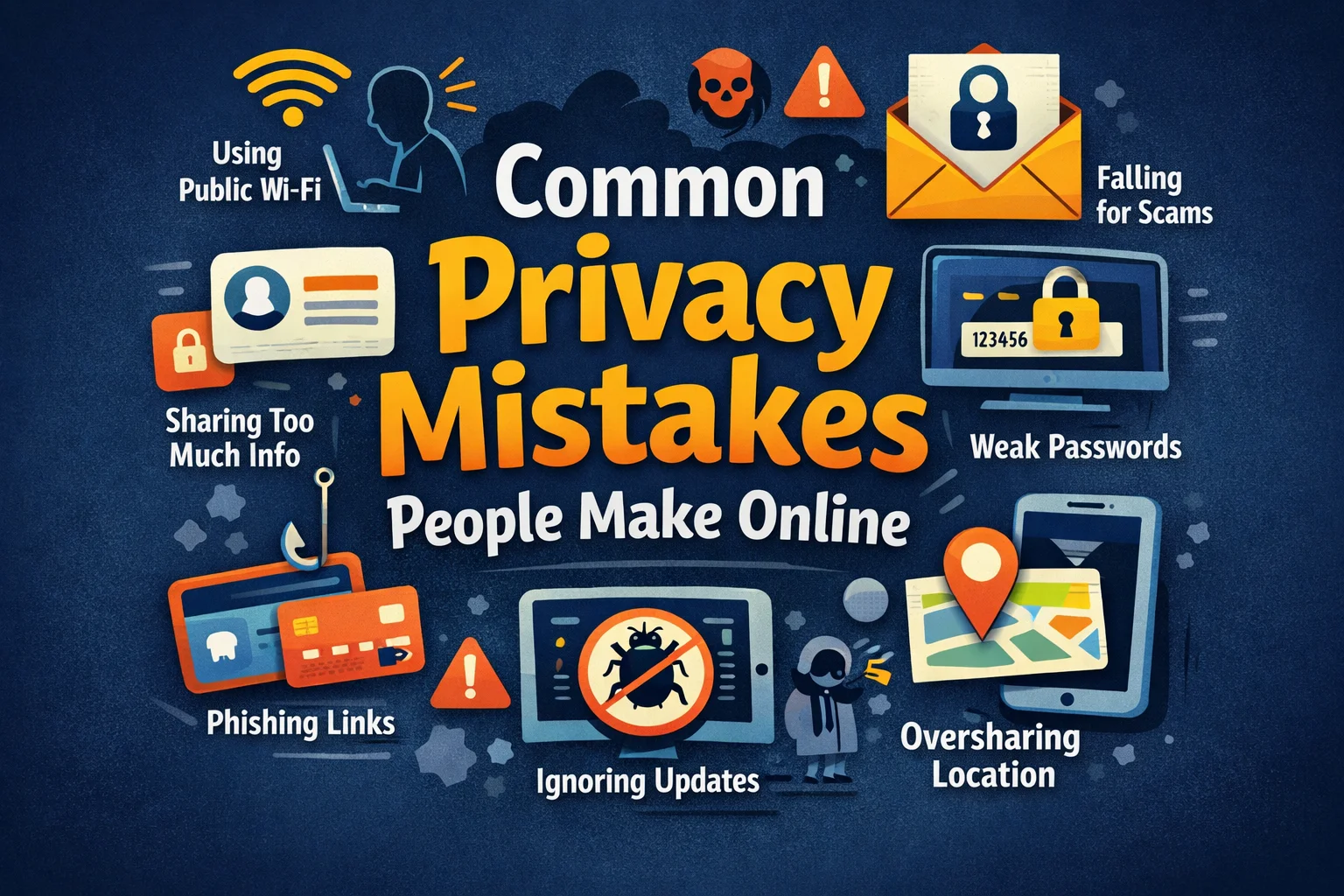

In today’s digital world, personal information is constantly shared, stored, and processed online. From social media accounts to online banking and shopping platforms, individuals leave digital footprints everywhere. While technology offers convenience, many users unknowingly make privacy mistakes that expose them to security risks.
Understanding these common mistakes is the first step toward better online protection.
Oversharing on Social Media
One of the most frequent privacy mistakes is sharing too much personal information on social media platforms. Details such as full birthdates, home addresses, phone numbers, travel plans, and family information can be exploited by cybercriminals.
Oversharing increases risks of:
- Identity theft
- Social engineering attacks
- Account hacking
- Physical security concerns
Limiting public information and reviewing privacy settings regularly helps reduce exposure.
Using Weak or Reused Passwords
Weak passwords remain one of the biggest privacy vulnerabilities. Many users reuse the same password across multiple accounts, making it easier for attackers to gain access if one account is compromised.
Common password mistakes include:
- Using simple words or numbers
- Reusing passwords across platforms
- Storing passwords in unsecured notes
Using strong, unique passwords and enabling two-factor authentication significantly improves security.
Ignoring Privacy Settings
Many online platforms offer privacy controls, but users often ignore them. Default settings may allow broader data sharing than intended.
Important actions include:
- Reviewing account privacy settings
- Limiting profile visibility
- Managing app permissions
- Disabling unnecessary tracking features
Taking a few minutes to adjust settings can greatly enhance privacy.
Clicking on Suspicious Links
Phishing emails and fraudulent messages often trick users into clicking malicious links. These links may lead to fake login pages or malware downloads.
Warning signs include:
- Urgent requests for personal information
- Unusual sender addresses
- Poor grammar or formatting
- Unexpected attachments
Verifying links before clicking helps prevent data theft.
Using Public Wi-Fi Without Protection
Public Wi-Fi networks can expose personal information if not properly secured. Unencrypted connections may allow attackers to intercept sensitive data.
To reduce risk:
- Avoid accessing financial accounts on public networks
- Use secure, encrypted connections
- Turn off automatic Wi-Fi connections
- Log out of accounts after use
Being cautious on public networks protects sensitive information.
Downloading Unverified Apps and Software
Installing applications from unknown sources can introduce malware or spyware. Some apps request excessive permissions that compromise user privacy.
Users should:
- Download apps from trusted sources
- Review app permissions carefully
- Remove unused or suspicious applications
Limiting software access reduces privacy risks.
Neglecting Software Updates
Software updates often contain security patches that fix vulnerabilities. Ignoring updates leaves devices exposed to known threats.
Regularly updating:
- Operating systems
- Browsers
- Mobile apps
- Security software
ensures stronger protection against emerging risks.
Not Monitoring Accounts Regularly
Many people fail to monitor their accounts for unusual activity. Delayed detection of breaches can increase damage.
Regularly checking:
- Bank statements
- Login activity
- Security alerts
- Credit reports
It helps identify problems early and prevent further harm.
Conclusion
Online privacy requires awareness and proactive behaviour. Common mistakes such as oversharing information, using weak passwords, ignoring privacy settings, and neglecting updates can expose individuals to serious risks.
By adopting safer digital habits, users can protect their personal information and reduce vulnerability in an increasingly connected world. Explore Al Muhtadi Ventures for more Guide.
FAQs
1. What is the most common online privacy mistake?
Using weak or reused passwords is one of the most common and risky mistakes.
2. How can I improve my online privacy quickly?
Use strong passwords, enable two-factor authentication, review privacy settings, and update software regularly.
3. Is public Wi-Fi always unsafe?
Public Wi-Fi can be risky if unsecured. Avoid accessing sensitive accounts on open networks.
4. Why are software updates important for privacy?
Updates fix security vulnerabilities that attackers may exploit.
5. How can social media affect privacy?
Oversharing personal details can expose users to identity theft and social engineering attacks.
