
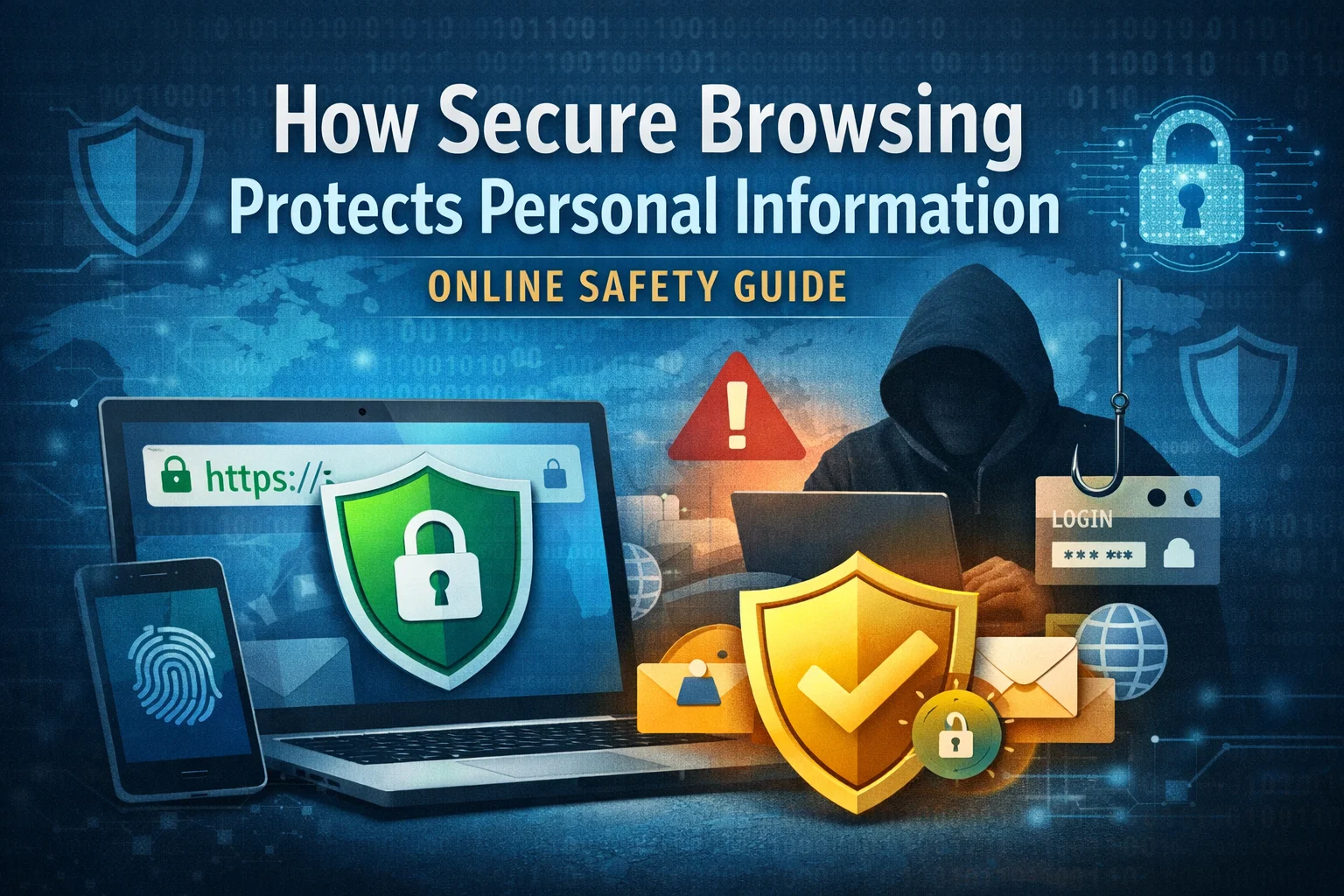

In today’s digital world, people rely on the internet for almost everything — shopping, banking, communication, work, and entertainment. While this convenience is undeniable, it also exposes users to increasing privacy and security risks. Cybercriminal are constantly finding new ways to steal personal information, making secure browsing more important than ever. Understanding how secure browsing works and adopting safer online habits can significantly reduce the risk of data theft and online fraud.
Secure browsing focuses on protecting personal information while users interact with websites, applications, and online services. It acts as a protective barrier between users and potential digital threats.
What Is Secure Browsing?
Secure browsing refers to using technologies, tools, and best practices that protect users from malicious websites, data interception, and unauthorised access. It ensures that personal data such as passwords, financial details, and browsing activity remain private and protected.
Secure browsing typically includes:
- Encrypted website connections
- Safe browsers with built-in protection
- Privacy-focused settings
- Awareness of online threats
When combined, these elements create a safer online experience.
Protection Against Data Interception
One of the biggest risks while browsing online is data interception. This happens when attackers secretly capture information being transmitted between a user’s device and a website.
Secure browsing protects against this by:
- Using encrypted connections (HTTPS)
- Preventing third parties from reading transmitted data
- Blocking unsecured or suspicious websites
Encryption ensures that even if data is intercepted, it cannot be easily read or misused.
Safeguarding Login Credentials and Personal Data
Many cyber attacks focus on stealing login details. Once attackers gain access to an email or account, they can exploit other connected services.
Secure browsing helps by:
- Warning users about unsafe login pages
- Blocking phishing websites
- Preventing malicious scripts from stealing credentials
This protection is especially important for online banking, email accounts, and work-related platforms.
Reducing Exposure to Malicious Websites
Not all websites are safe. Some are designed to spread malware, steal data, or trick users into providing sensitive information.
Secure browsing tools can:
- Detect harmful websites
- Block downloads from untrusted sources
- Warn users before visiting dangerous pages
These features significantly reduce the chances of accidentally interacting with cyber threats.
Privacy Protection While Browsing
Beyond security, secure browsing also focuses on privacy. Many websites track user behaviour to collect data for advertising or analytics purposes.
Secure browsing helps users:
- Limit tracking cookies
- Control website permissions
- Prevent excessive data collection
This allows individuals to browse the internet without constantly being monitored.
Importance of Using Updated Browsers
Modern web browsers regularly release updates to fix security vulnerabilities. Outdated browsers are easier targets for attackers.
Using updated browsers:
- Protects against known exploits
- Improves built-in security features
- Enhances protection against new threats
Keeping browsers updated is a simple but powerful step toward safer browsing.
Secure Browsing for Everyday Activities
Secure browsing is not just for technical users. It plays a role in daily online activities such as:
- Online shopping
- Social media usage
- Remote work
- Digital payments
By practising secure browsing habits, users protect both their personal and professional data.
Conclusion
Secure browsing is a fundamental part of staying safe online. It protects personal information by encrypting data, blocking malicious websites, preventing phishing attacks, and enhancing privacy. In an age where digital threats are constantly evolving, adopting secure browsing practices is no longer optional — it is essential. Small actions, when taken consistently, can provide strong protection against online risks.
✨ For more insights on cybersecurity, online safety, and digital protection strategies, explore the expert resources available at Almuhtadi Ventures.
FAQs:
1. What does secure browsing mean?
Secure browsing refers to using safe technologies and practices that protect personal data while using the internet.
2. How does HTTPS improve browsing security?
HTTPS encrypts data exchanged between the user and the website, preventing attackers from reading or stealing information.
3. Can secure browsing prevent phishing attacks?
Yes, secure browsers often detect and block phishing websites before users interact with them.
4. Is secure browsing important for mobile devices?
Absolutely. Mobile devices face similar threats and require the same level of protection as computers.
5. Do I need extra tools for secure browsing?
While modern browsers offer built-in protection, additional tools like privacy extensions and security software can further enhance safety.
